Wifi 5 vs Wifi 6: What's Best for Your Home?
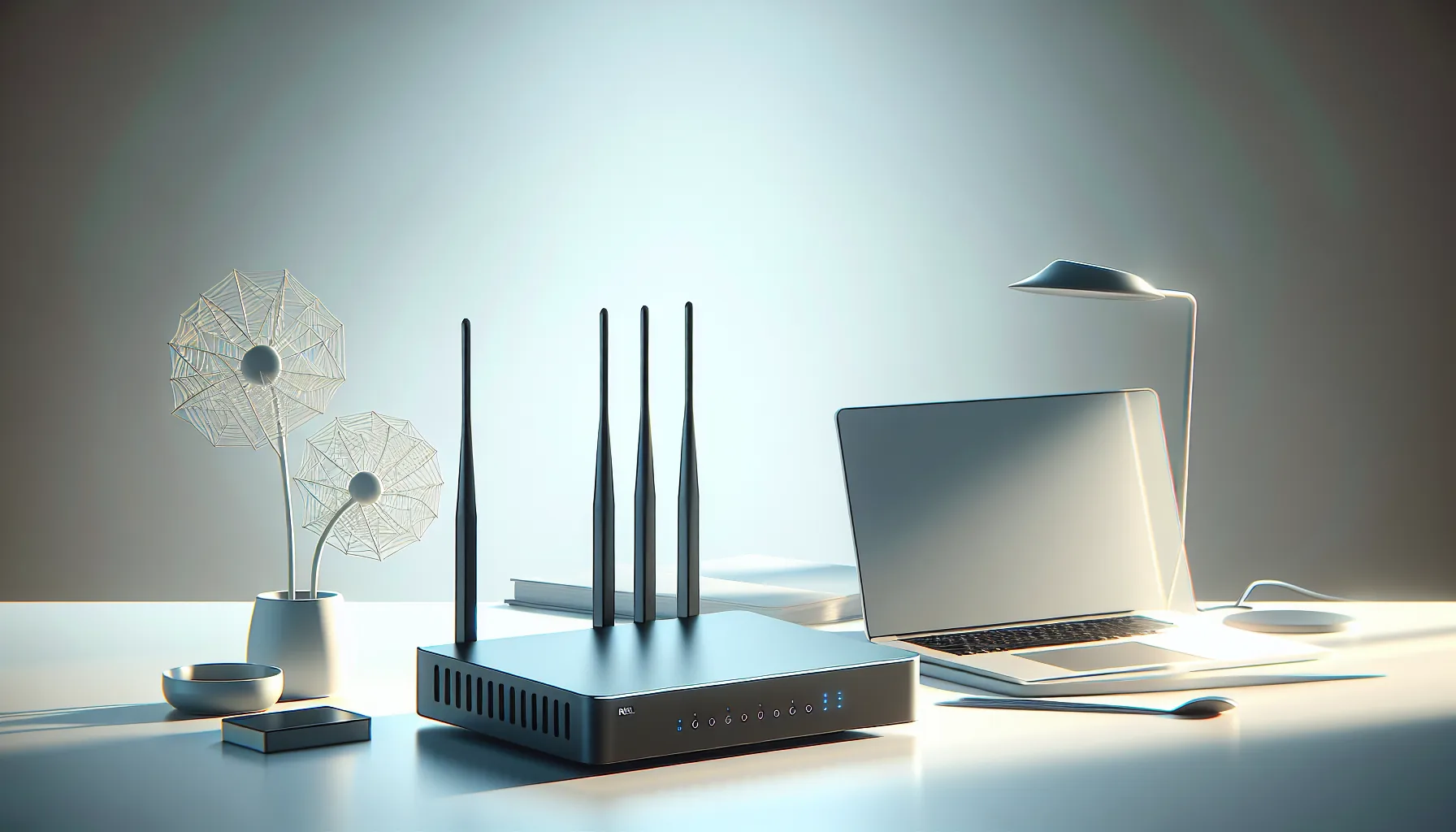
You might think that the latest Wifi standard is always the best choice. But is Wifi 6 really a must-have for your home, or is Wifi 5 sufficient? Let's find out together.
Why Wifi 6 Isn't Always the Game-Changer Advertised
Wifi 6 promises faster speeds and greater capacity. But are these benefits significant enough for a typical household? The truth is, most users won't notice a difference.
Take a family of four, streaming Netflix, browsing the web, and gaming online. If they're relying on a internet connection no faster than 100 Mbps, Wifi 6's ability to support gigabit speeds offers little real-world benefit. In fact, your old Wifi 5 router might serve you just as well.
So, what is Wifi 6 good for? High-density environments like offices or stadiums. If you don’t live in a crowded apartment building with dozens of competing networks, Wifi 6's benefits might go unnoticed. Wifi 5 delivers ample bandwidth for most homes.
Real-World Speed Tests
Here's a scenario: two homes, one upgraded to Wifi 6 and the other sticking with Wifi 5. Both homes have a 200 Mbps Internet plan. Outcome? Almost identical streaming performance.
- Home A (Wifi 5): 195 Mbps
- Home B (Wifi 6): 202 Mbps
In both cases, they are below the threshold where Wifi 6 shines.
Key insight: If your internet speed is below 300 Mbps, Wifi 5 covers all your needs.
Want more speed insights? Check your Speed.
Better Device Management with Wifi 6
The standout feature of Wifi 6 is its ability to manage multiple devices at once. But is it necessary for your home network?
Consider a household bustling with smart devices: a thermostat, security cameras, laptops, tablets, and smartphones. Wifi 6 uses a technology called OFDMA (Orthogonal Frequency Division Multiple Access) to handle simultaneous connections better than Wifi 5. It reduces latency and prevents network congestion.
In a traditional Wifi 5 network:
- Scenario 1: Family streaming and gaming.
- Outcome: Occasional buffering or lag as devices compete for bandwidth.
In a Wifi 6 environment:
- Scenario 2: Same activity level.
- Outcome: Seamless performance with less buffering.
For homes with over 20 connected devices, Wifi 6 might prove worthwhile. Otherwise, Wifi 5 does the job without these enhancements.
Security Improvements: A Real Reason to Upgrade?
Wifi 6 brings enhanced security protocols. WPA3 is a leap forward from WPA2, but how vital is it for your home?
Pros of WPA3:
- Stronger encryption: Safeguards your data.
- Improved guest access: Easier for visitors without compromising security.
- Protection against brute force attacks: More resilient to hacking attempts.
Most cyber attacks target networks with weak passwords or outdated firmware. A Wifi 5 router with strong passwords is safer than a poorly secured Wifi 6 setup.
Securing Your Network
- Use a complex password. Consider using a Password Generator.
- Regularly update router firmware.
- Disable WPS (Wi-Fi Protected Setup) to prevent unauthorized access.
Pro tip: Upgrading just for security? Evaluate your use case and current setup first.
Why Your DNS Setup Matters More
A well-configured DNS can boost internet speed and security. Whether on Wifi 5 or 6, the right DNS setup stops unnecessary data leaks.
You might not know your ISP's default DNS could be slowing you down. Run a quick DNS Lookup to identify potentially better alternatives.
Steps to Optimize DNS:
- Identify current DNS settings: Use a DNS Lookup.
- Research alternatives: Cloudflare or Google Public DNS
- Change DNS settings: Follow router manufacturer's instructions.
An effective DNS setup reduces website load times and enhances privacy, regardless of Wifi technology.
Choosing the Right Option: Wifi 5 or Wifi 6?
Finally, the decision boils down to your specific needs.
Choose Wifi 5 if:
- Your internet speed is under 300 Mbps.
- You have fewer than 20 connected devices.
- Budget concerns are a priority.
Choose Wifi 6 if:
- Your home is packed with IoT devices.
- You plan to future-proof against potential network congestion.
- You prioritize the latest security features.
In summary, both Wifi 5 and Wifi 6 have their place. It's about matching your tech to real needs, not marketing hype.
Whatever you choose, ensure your home network is optimized for performance and security. Explore further: Try the Port Scanner or Security Score to ensure your network's resilience.
Related Articles
 Guide
GuideEscape from Tarkov: Fix High Ping and Desync
Fix high ping in Escape from Tarkov to avoid desync and latency issues. Optimize your gameplay with better network performance.
 Guide
GuideEA FC 26 (FIFA) Ping Test — Fix High Lag & Reduce Latency
Discover how to fix high ping in EA FC 26 and reduce lag in FUT matches. Test your connection now and improve gameplay.
 Guide
GuideMinecraft Server Ping Test — Fix High Ping and Lag
Discover how to fix high ping and lag in Minecraft servers to enhance gameplay. Learn about ping, its impact, and solutions.