EA FC 26 (FIFA) Ping Test — Fix High Lag & Reduce Latency
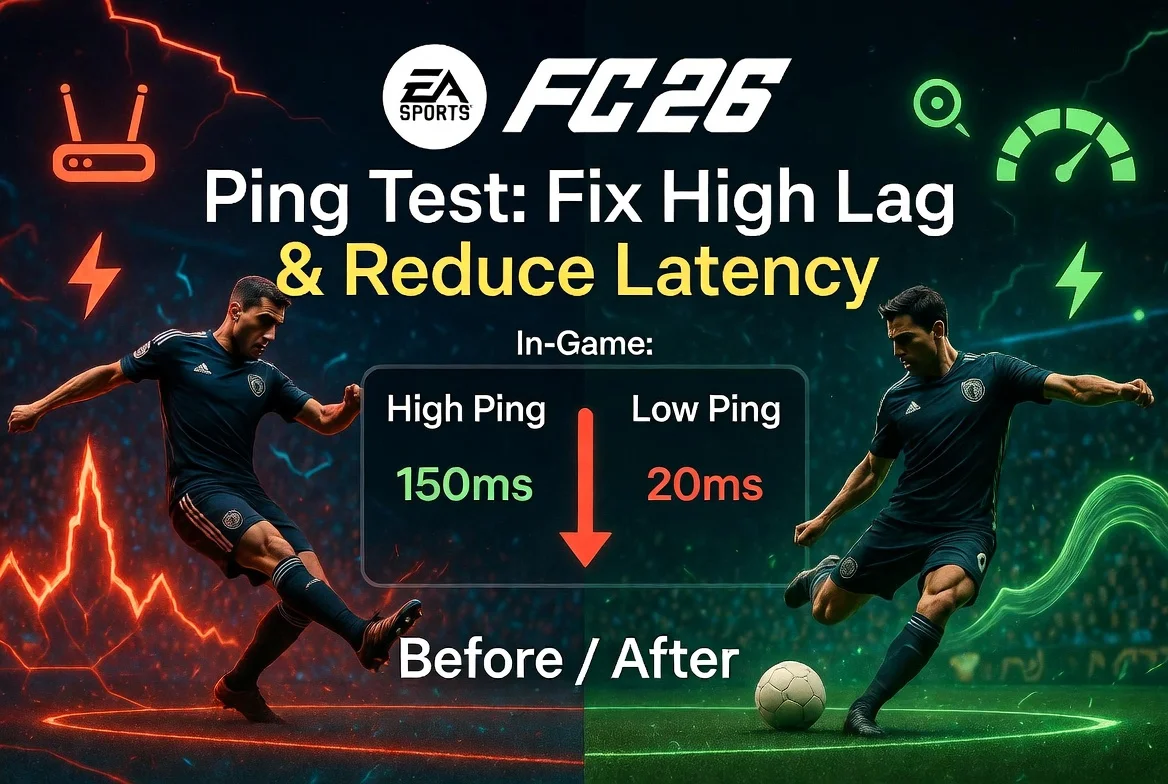
Nothing kills a FUT Champions run faster than "speed up lag" hitting right as you're through on goal. High ping in EA FC 26 turns crisp passing into a slideshow and makes skill moves register a full second late. Test your ping to EA servers right now and find out if your connection is the reason you're losing games you should be winning.
What Is Ping and Why Does It Ruin EA FC Matches?
Ping is the round-trip time in milliseconds between your device and the EA game server. In EA FC 26, where timed finishing, manual defending, and quick passing dominate the meta, high ping creates an entirely different game experience.
The infamous "speed up lag" that EA FC players know and hate is a direct symptom of high latency and packet loss. When your console or PC can't keep up with the server, the game tries to fast-forward your local state to match — causing players to teleport, passes to go in wrong directions, and shots to fire at random angles.
| Ping Range | Experience |
|---|---|
| 0–20 ms | Ideal. Inputs feel instant. Timed finishing and skill moves are responsive. |
| 20–40 ms | Great. Minimal delay. Competitive play feels smooth. |
| 40–70 ms | Acceptable, but you'll notice slight sluggishness on quick passes and defending. |
| 70–100 ms | Poor. Speed up lag starts appearing. Players feel heavy and unresponsive. |
| 100+ ms | Unplayable. Constant delay, teleporting, and input drops. |
How to Test Your EA FC Ping
Method 1: NetVizor EA FC Ping Test
Use the NetVizor EA FC Ping Test to measure your latency to EA's server infrastructure across all regions. This tells you exactly what ping to expect before you even boot up the game — and helps you identify whether your network or EA's servers are the problem.
For a detailed breakdown of your network path, run a traceroute to pinpoint exactly where latency spikes happen between your ISP and EA's data centers.
Method 2: In-Game Connection Quality Indicator
EA FC 26 has a built-in connection quality indicator visible in the HUD during matches. Look for the signal bars icon — it turns from green (good) to yellow (moderate) to red (poor). You can also enable detailed network stats in the game settings to see your ping in real time.
While helpful mid-match, this doesn't let you diagnose issues before playing or compare performance across different server regions.
EA FC Server Regions and Expected Ping
EA operates a wide server network for FC 26. Your experience depends on which data center the matchmaking system connects you to.
| Server Region | Location | Expected Ping (from region) |
|---|---|---|
| US East | Virginia/New York | 10–35 ms (East Coast NA) |
| US West | California/Oregon | 10–35 ms (West Coast NA) |
| Europe (Central) | Frankfurt, Germany | 10–30 ms (Central/Western EU) |
| Europe (West) | London/Amsterdam | 10–30 ms (UK/Western EU) |
| Europe (North) | Stockholm | 10–30 ms (Scandinavia) |
| South America | São Paulo, Brazil | 10–50 ms (Brazil/nearby) |
| Middle East | Bahrain/Dubai | 20–50 ms (Gulf region) |
| Asia | Singapore/Tokyo | 10–40 ms (East/SE Asia) |
| Oceania | Sydney, Australia | 10–30 ms (Australia/NZ) |
EA FC 26's matchmaking prioritizes connection quality, but during low-population times it may connect you to farther servers. Weekend League (FUT Champions) is especially affected since the player pool narrows as you climb higher in wins.
How to Fix High Ping in EA FC 26
Dealing with constant delay and speed up lag? Work through these fixes:
Go wired. Ethernet is non-negotiable for competitive EA FC. Wi-Fi introduces jitter that causes the micro-disconnections behind speed up lag. Even a powerline adapter is better than wireless.
Check your region matchmaking. EA FC 26 doesn't let you manually select regions like some games, but you can influence it by using a DNS that routes to nearby servers. Run a DNS lookup to verify your current DNS performance.
Stop competing for bandwidth. Other devices streaming, downloading, or video calling on your network eat into your available bandwidth and add latency. Prioritize your gaming device with QoS settings on your router if available.
Restart your networking equipment. Power cycle your modem and router. This clears stale routes, refreshes your IP lease, and resolves accumulated memory issues that cause gradual ping increases.
Disable crossplay if needed. Cross-platform matchmaking can sometimes force wider server selection. If you're consistently getting high-ping matches, try disabling crossplay to stay within your platform's regional pool.
Update firmware and drivers. Outdated router firmware and network adapter drivers can cause packet loss and latency spikes. Check for updates regularly.
Try a different DNS provider. Switch from your ISP's default DNS to Cloudflare (1.1.1.1) or Google (8.8.8.8). Faster DNS resolution can shave milliseconds off connection times and improve routing.
FAQ
Why does EA FC have speed up lag but other games are fine? EA FC uses a unique server-client sync model. When packets are lost or delayed, instead of rubber-banding like other games, it freezes briefly and then "speeds up" to catch up with the server state. This is specific to EA's netcode and is more noticeable than standard lag.
Is EA FC 26 ping worse on PS5 than PC? Not inherently — both platforms connect to the same EA servers. However, PS5 Wi-Fi performance can be inconsistent compared to a PC with a high-quality network adapter. Always use Ethernet on console.
Does ping affect gameplay in Pro Clubs? Yes. Pro Clubs matches connect all players to a shared server, and the match quality is only as good as the worst connection. If one teammate has 150 ms ping, everyone in the club can experience desync.
Why is my ping fine in the EA FC menu but terrible in matches? The menu connects to EA's web services, not game servers. Match servers are different infrastructure located in different data centers. Your route to one may be clean while the route to the other isn't.
Can I check which EA server I'm connected to? Not directly in-game. However, you can use the EA FC ping test to measure latency to all EA server regions and identify which gives you the best connection.
Conclusion
EA FC 26 is a game where milliseconds separate a perfectly timed tackle from a penalty, and speed up lag can destroy an entire Weekend League run. Understanding your ping — and knowing how to fix it — gives you the competitive edge that no formation change or player pick can match.
Run a free EA FC ping test on NetVizor to diagnose your connection and start playing with the responsiveness you deserve. Compare your results across games with the Rocket League ping test or Warzone ping test.
Related Articles
 Guide
GuideEscape from Tarkov: Fix High Ping and Desync
Fix high ping in Escape from Tarkov to avoid desync and latency issues. Optimize your gameplay with better network performance.
 Guide
GuideMinecraft Server Ping Test — Fix High Ping and Lag
Discover how to fix high ping and lag in Minecraft servers to enhance gameplay. Learn about ping, its impact, and solutions.
 Guide
GuideDiablo 4 High Ping Fix — Lower Latency on PC and Console
Discover how to fix high ping in Diablo 4 and enjoy smoother gameplay on PC and console with our expert tips.