Rocket League Ping Test: How to Check and Reduce Lag
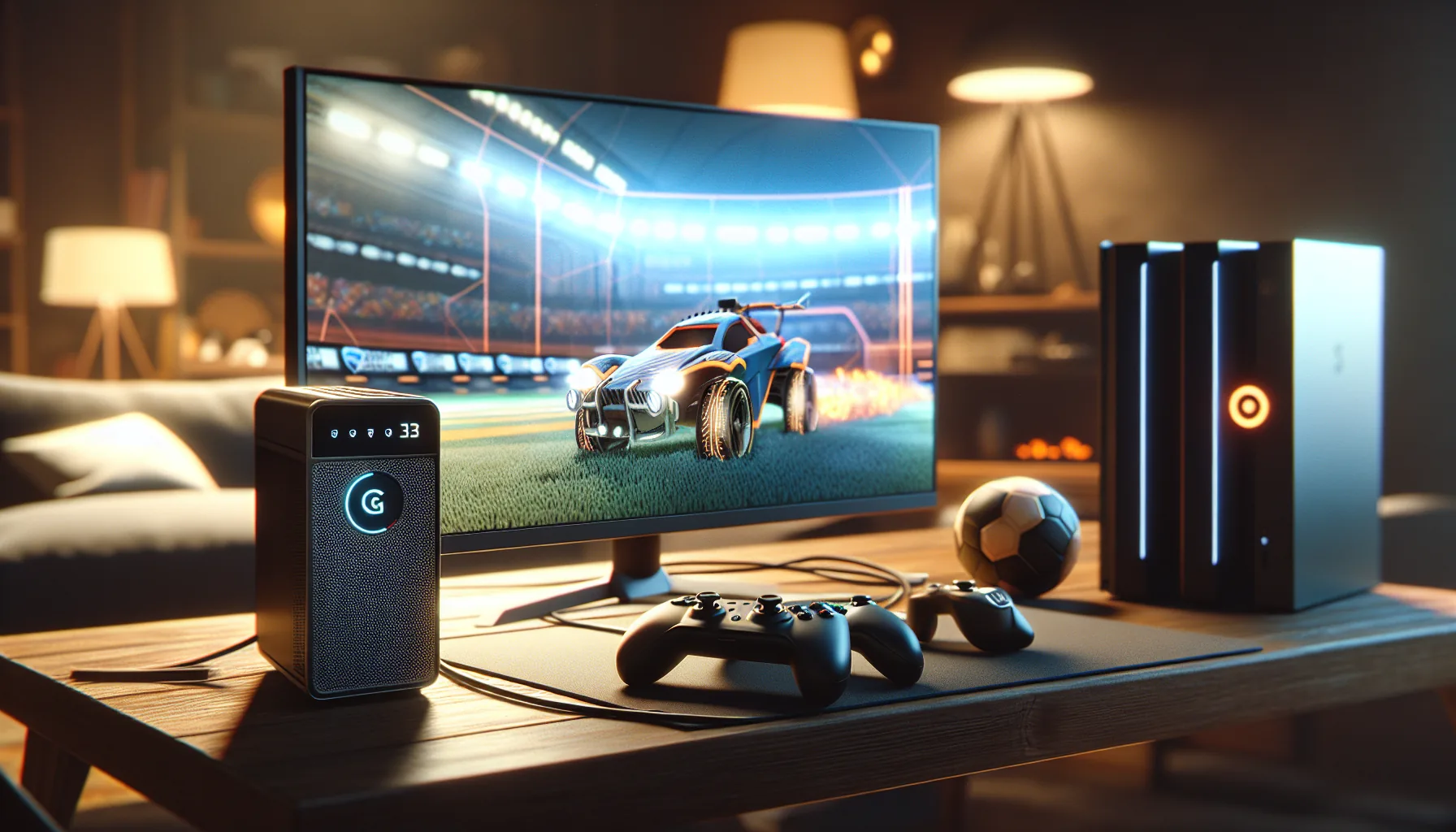
Missing aerials because of lag? Getting demolished by opponents who seem to teleport? High ping in Rocket League is one of the most frustrating experiences — and it's completely fixable once you know where the problem is. This guide covers everything: how to test your ping, what numbers to aim for, and how to reduce lag for smoother gameplay.
Test Your Rocket League Ping Now
👉 Rocket League Ping Test — Free Online Tool
Check your latency to Rocket League servers in real time. No download, no registration, results in seconds.
What Is Ping in Rocket League?
Ping is the time it takes for data to travel from your device to the Rocket League game server and back, measured in milliseconds (ms). Lower is better.
In a game as fast and physics-dependent as Rocket League, even small differences in ping matter:
- Ball prediction relies on low latency — high ping makes the ball behave unpredictably
- Boost timing — late pickups, missed boosts
- Aerial hits — the ball is "somewhere else" by the time your input registers
- Saves — you hit the ball but it goes in anyway
Rocket League Ping Chart
| Ping | Rating | Experience |
|---|---|---|
| < 20ms | Excellent | Perfect — no perceptible delay |
| 20–40ms | Very Good | Competitive level play |
| 40–60ms | Good | Smooth, acceptable for ranked |
| 60–90ms | Average | Noticeable in aerials and fast plays |
| 90–120ms | Poor | Visible lag, tough to compete |
| 120–200ms | Bad | Serious disadvantage in ranked |
| > 200ms | Unplayable | Rubber banding, teleporting |
How to Check Ping in Rocket League
Method 1: In-Game (Quickest)
Rocket League shows ping directly in the game:
- During a match, press Tab to open the scoreboard
- Your ping is displayed next to your name
- For more detail, open Options → Gameplay → Show Network Stats
Network stats overlay shows:
- Ping (ms)
- Packet Loss (%)
- Server Performance
Method 2: Online Ping Test
Use Rocket League Ping Test NetVizor to test your connection to Rocket League servers before even launching the game. Useful for:
- Checking connection before a ranked session
- Comparing ping across different servers
- Diagnosing whether lag is server-side or your connection
Method 3: Epic Games Launcher
Before launching the game:
- Open Epic Games Launcher
- Check your network connection status in the bottom bar
- Server status is shown at status.epicgames.com
Rocket League Server Locations
Psyonix operates servers across multiple regions. Your ping depends on which server you're connected to:
| Region | Server Location | Expected Ping |
|---|---|---|
| US-East | Virginia, USA | 10–30ms (East Coast US) |
| US-West | Oregon, USA | 10–30ms (West Coast US) |
| EU | Frankfurt, Germany | 10–30ms (Europe) |
| Asia-Pacific | Tokyo, Japan | 10–30ms (Japan/Korea) |
| South America | São Paulo, Brazil | 10–30ms (Brazil) |
| Australia | Sydney, Australia | 10–30ms (Oceania) |
| Middle East | Dubai, UAE | 10–30ms (Middle East) |
Cross-region: If you're matched on a distant server (e.g., EU player on US-East), expect 100–200ms.
How to Choose Your Server Region
- Open Rocket League
- Go to Options → Gameplay
- Under Preferred Server Region, select your region
- You can select multiple — Rocket League will try the best available
10 Ways to Reduce Ping in Rocket League
1. Use a Wired Connection (Ethernet)
The single biggest improvement you can make. WiFi introduces inconsistency — walls, interference, and shared channels all add latency and packet loss.
Typical difference:
- WiFi: 40–80ms with spikes to 200ms+
- Ethernet: 10–25ms stable
2. Close Background Applications
Streaming, downloads, Discord video, cloud backups — all consume bandwidth and increase ping:
- Close browsers and YouTube
- Pause Steam/Epic downloads
- Disable camera in Discord during play
- Stop cloud sync (OneDrive, Google Drive, Dropbox)
3. Set Correct Server Region
Playing on the wrong region is the #1 cause of unexpected high ping. Go to Options → Gameplay → Preferred Server Region and make sure only your closest region is checked.
4. Configure QoS on Your Router
Quality of Service (QoS) prioritizes gaming traffic over other devices:
- Log into your router admin panel (
192.168.0.1or192.168.1.1) - Find QoS or Traffic Priority settings
- Add Rocket League or your PC as high priority
- Limit bandwidth for other devices when gaming
5. Switch to a Better DNS
Slow DNS can add latency to initial connections. Switch to faster DNS servers:
- Cloudflare:
1.1.1.1/1.0.0.1 - Google:
8.8.8.8/8.8.4.4
6. Disable Windows Update During Play
Windows Update downloads files in the background and can spike your ping:
- Settings → Windows Update → Advanced Options
- Enable Active Hours to prevent downloads during gaming time
7. Check for Packet Loss
High ping is bad — but packet loss is worse. Even 1–2% packet loss causes:
- Goals that "went through" your save
- Boost pads not registering
- Rubber banding and teleporting opponents
Use Ping Test NetVizor to check packet loss. If you see any packet loss, contact your ISP.
8. Run Traceroute to Find the Problem
Use Traceroute NetVizor to see exactly where latency is being added in your connection path:
- Hops 1–3: Your local network — should be < 5ms
- Hops 4–8: Your ISP's network — should be < 30ms
- Final hops: Rocket League servers
If latency spikes at a specific hop, that's where the problem is — useful information when contacting your ISP.
9. Restart Your Router Regularly
Routers accumulate connections and fill memory over time. A weekly restart keeps performance optimal:
- Power off for 30 seconds
- Let it fully reconnect before gaming
10. Use VPN as a Last Resort
VPN usually increases ping by adding an extra server in the route. Only consider VPN if:
- Your ISP has bad routing to Rocket League servers
- You're on a restrictive network (school, corporate)
- You've confirmed with Ping Test that direct routing is the problem
Rocket League Lag vs. Low FPS: How to Tell the Difference
Many players confuse network lag with frame rate issues:
| Symptom | Likely Cause |
|---|---|
| Ball teleports, rubber banding | High ping or packet loss |
| Game freezes, frame drops | Low FPS, hardware issue |
| Everything feels "delayed" | High ping |
| Periodic stutters | Packet loss OR thermal throttling |
| Input feels late | High ping OR low monitor refresh rate |
Use Shift+Tab in-game to see both ping AND FPS simultaneously.
Rocket League on Console vs PC Ping
| Platform | Typical Ping | Notes |
|---|---|---|
| PC (Ethernet) | 10–30ms | Best possible |
| PC (WiFi) | 30–80ms | Variable |
| PS5 (Ethernet) | 15–35ms | Very good |
| Xbox Series X (Ethernet) | 15–35ms | Very good |
| PS4/Xbox One | 20–50ms | Good |
| Nintendo Switch (WiFi) | 50–120ms | Switch WiFi is weak |
FAQ: Rocket League Ping Questions
What is a good ping for Rocket League? Under 60ms is comfortable for ranked play. Under 40ms is ideal for competitive. Above 100ms starts significantly impacting aerial plays and fast mechanical sequences.
Why does my ping spike randomly in Rocket League? Ping spikes are usually caused by: background downloads, WiFi interference, ISP congestion during peak hours (6–10 PM), or packet loss. Use Ping Test NetVizor to check for packet loss and instability.
Does Rocket League have dedicated servers? Yes — Psyonix operates dedicated servers in all major regions. You're never in a peer-to-peer match in Rocket League, which means your ping is always measured to their server infrastructure.
Why am I getting high ping even on the correct region? Possible causes: your ISP has poor routing to Rocket League servers, there's server-side congestion (check status.epicgames.com), or another application is consuming bandwidth. Run a Traceroute to identify where the latency is added.
Does ping affect my MMR or ranking in Rocket League? No, ping doesn't directly affect MMR. But high ping affects your mechanical performance — missed aerials, late saves — which indirectly affects your results.
Can I play Rocket League with 100ms ping? Yes, but it's noticeable. Standard gameplay is fine, but high-level aerials, ceiling shots, and fast redirects become significantly harder. Anything above 120ms in ranked is a real disadvantage.
Conclusion
Reducing ping in Rocket League starts with measurement. Before trying fixes, test your actual latency to the servers — you might find the problem is simpler than expected.
Step-by-step:
- Test your ping — measure latency to Rocket League servers
- Check in-game ping with Shift+Tab during a match
- If high, use Traceroute to find where latency is added
- Check Packet Loss — even 1% causes visible issues
- Switch to Ethernet, close background apps, verify server region
Related Articles
 Guide
GuideEscape from Tarkov: Fix High Ping and Desync
Fix high ping in Escape from Tarkov to avoid desync and latency issues. Optimize your gameplay with better network performance.
 Guide
GuideEA FC 26 (FIFA) Ping Test — Fix High Lag & Reduce Latency
Discover how to fix high ping in EA FC 26 and reduce lag in FUT matches. Test your connection now and improve gameplay.
 Guide
GuideMinecraft Server Ping Test — Fix High Ping and Lag
Discover how to fix high ping and lag in Minecraft servers to enhance gameplay. Learn about ping, its impact, and solutions.